A dangerous file may already be inside the server.
Malware, webshell and unauthorised changes are not always visible by observing only web traffic.
The WAF stops attacks on the perimeter. But if an infected file is already on the server, or if someone touches an SSH key in the middle of the night, web filtering alone is not enough. Sentinel combines local scans, hash checks and File Integrity Monitoring to reveal what network traffic cannot show.
Malware, webshell and unauthorised changes are not always visible by observing only web traffic.
ClamAV searches for known threats; the integrity control compares hash, permissions and properties with a baseline.
Sentinel reports the file and type of variation without automatically deleting important data.
Orchestration from the panel
From the dashboard choose the server, the type of scan and any custom paths. The agent collects the command, updates the progress and sends the results to the central server.
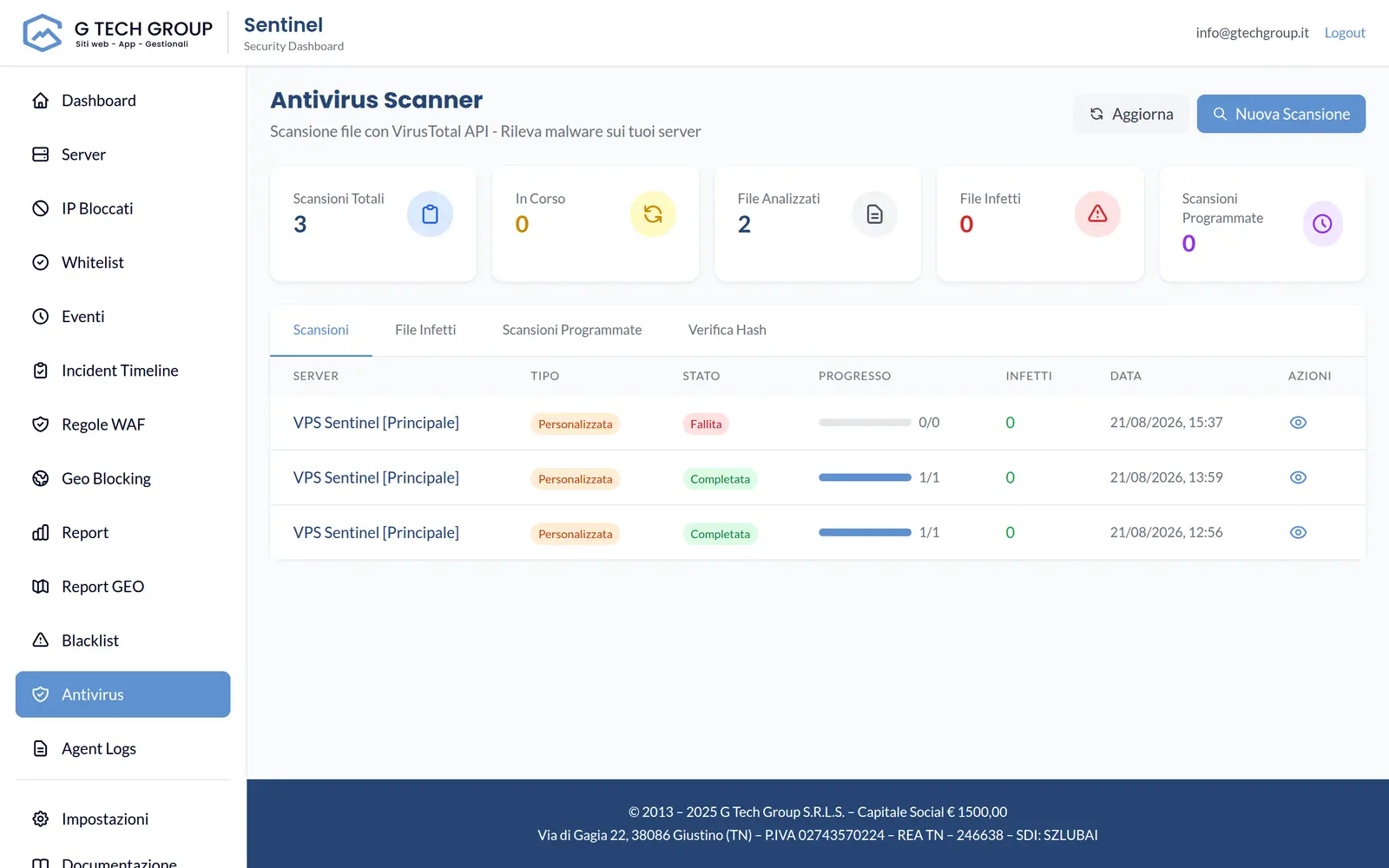
Optional hash lookup · VirusTotal
When integration is configured, the server can consult VirusTotal using a SHA-256, SHA-1 or MD5 hash, never the file: the result contains engines, detections and threat category and is cached to reduce requests.
Why AV + FIM on a WAF
An application firewall is powerful, but only sees requests. Sentinel adds two more eyes: one on the files, one on the changes.
Coraza with OWASP CRS inspects and blocks hostile traffic before it reaches the application. It is the first line, but acts only on HTTP requests.
A loaded webshell, a Trojan binary, an EICAR test file: the scan compares the contents with the ClamAV signature database and reports what is already catalogued as a threat.
What no signature knows yet is recognised because it has changed: a different hash, unexpected setuid permission, a new systemd unit. The FIM compares with the baseline and raises an alert.
ClamAV Scanning
The agent talks to the clamd daemon via a Go client Without CGO: no native library to link, no fragile binding. The protocol is INSTREAM over a Unix socket, and files come streamed in chunks instead of being loaded into memory in full.
File Integrity Monitoring
The FIM (opt-in) builds a baseline in SQLite at the first pass trust-on-first-use: what it finds becomes the reference state. At each subsequent cycle, it compares the files again and shows you the differences.
What is detected · what is not
Two engines with clear boundaries. Know what not makes a tool is part of knowing how to use it well.
Fleet and dashboard integration
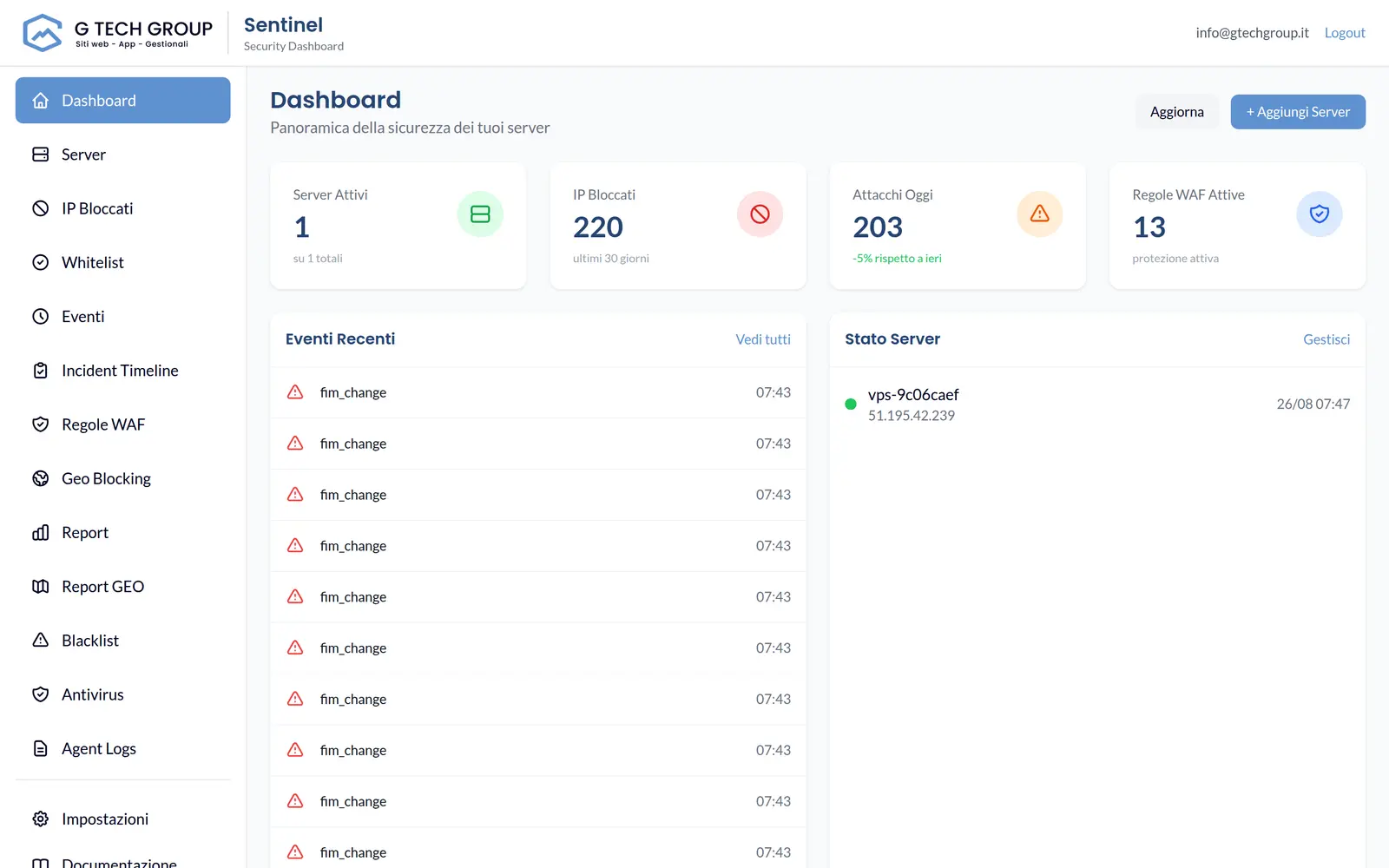
When ClamAV finds a threat or FIM detects a change, the agent issues an event malware_detected or fim_change and sends it to the central server via gRPC with mTLS. From there it flows into the dashboard of the fleet and the alerts.
Frequently asked questions
No. ClamAV and the FIM detect and report: no automatic quarantine or deletion. Review the event in the dashboard and receive the alert, then decide how to intervene.
The agent connects to the clamd daemon via unix socket with INSTREAM protocol. The default scanner is the hash engine (SHA256); ClamAV is opt-in and uses the DB signatures maintained by the system.
FIM works in polling, with a default interval of about 10 minutes. It is not an instant watch: deviations from the baseline appear at the next control cycle.
With the trust-on-first-use: The first pass records hash, size, permissions and owners in an SQLite database. From there on, each file is compared to that reference state.
Yes. Antivirus skips files over 100 MB, while FIM skips files larger than 50 MB. It is a deliberate choice to keep both agent memory use and the baseline lightweight.
ClamAV signatures are maintained by the system, not by Sentinel. Alternatively or in addition you can configure the VirusTotal hash lookup: The hash of the file is sent, never its contents, and the integration remains disabled without API key.
We show you ClamAV scans and File Integrity Monitoring live on your infrastructure, calibrated on the routes that matter to you.