Security decisions take place close to traffic.
The agent reads events, applies rules and blocks and, when required by deployment, protects web requests before they reach the application.
Sentinel protects traffic on the server, coordinates agents from a central core and transforms every decision into understandable data. Here you find the complete path, without generic formulas.
The agent reads events, applies rules and blocks and, when required by deployment, protects web requests before they reach the application.
The central server receives telemetry, distributes policies and maintains the state of the fleet without becoming the obligatory passage of visitor traffic.
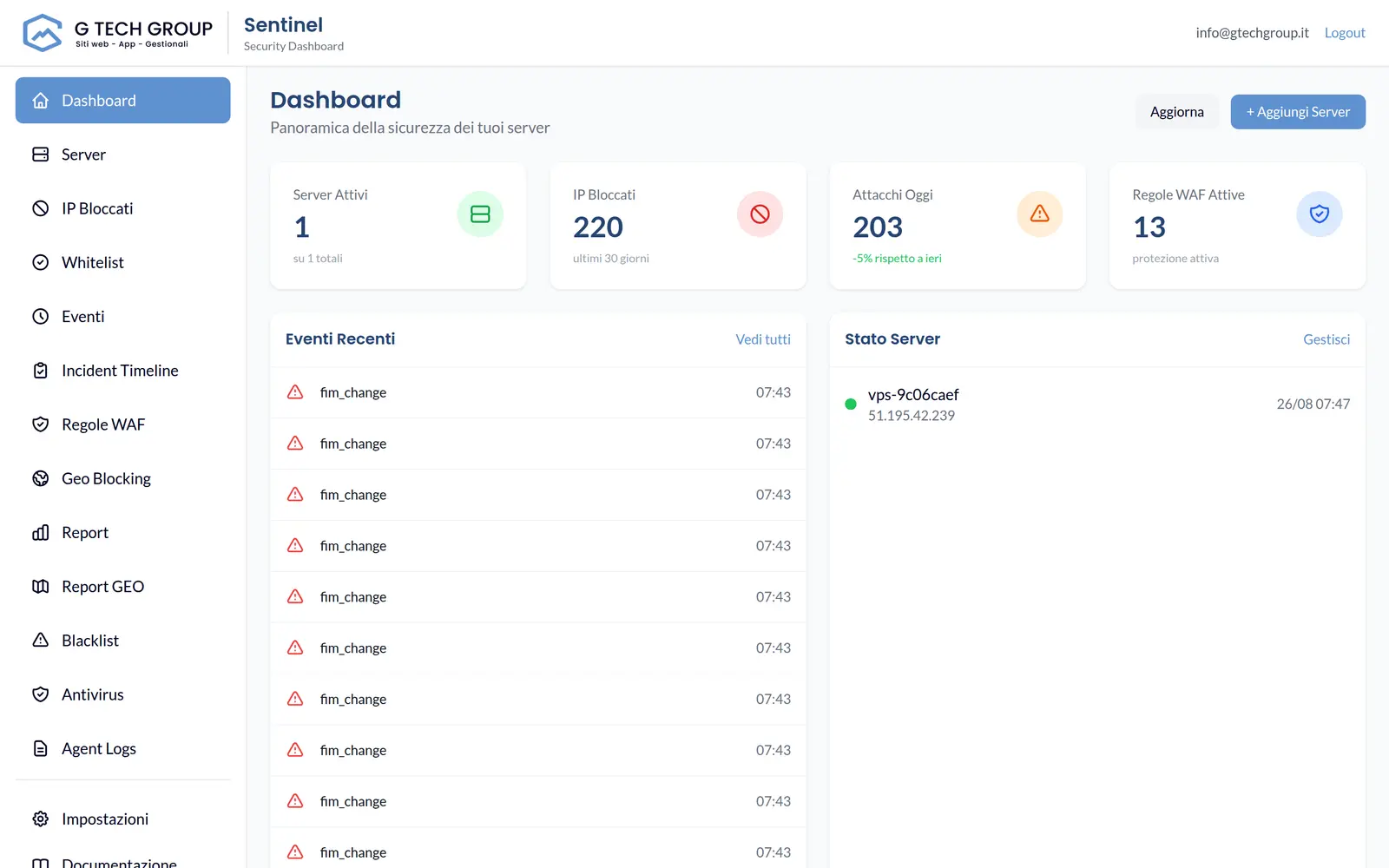
The dashboard, timeline, reports and alerts show what happened, on which server and what protection made the decision.
The path of a request
The actual flow depends on the modules activated on the server and the mode chosen for each site.
The client contacts the domain. In the WAF deployment, the request reaches the local level of protection before the site.
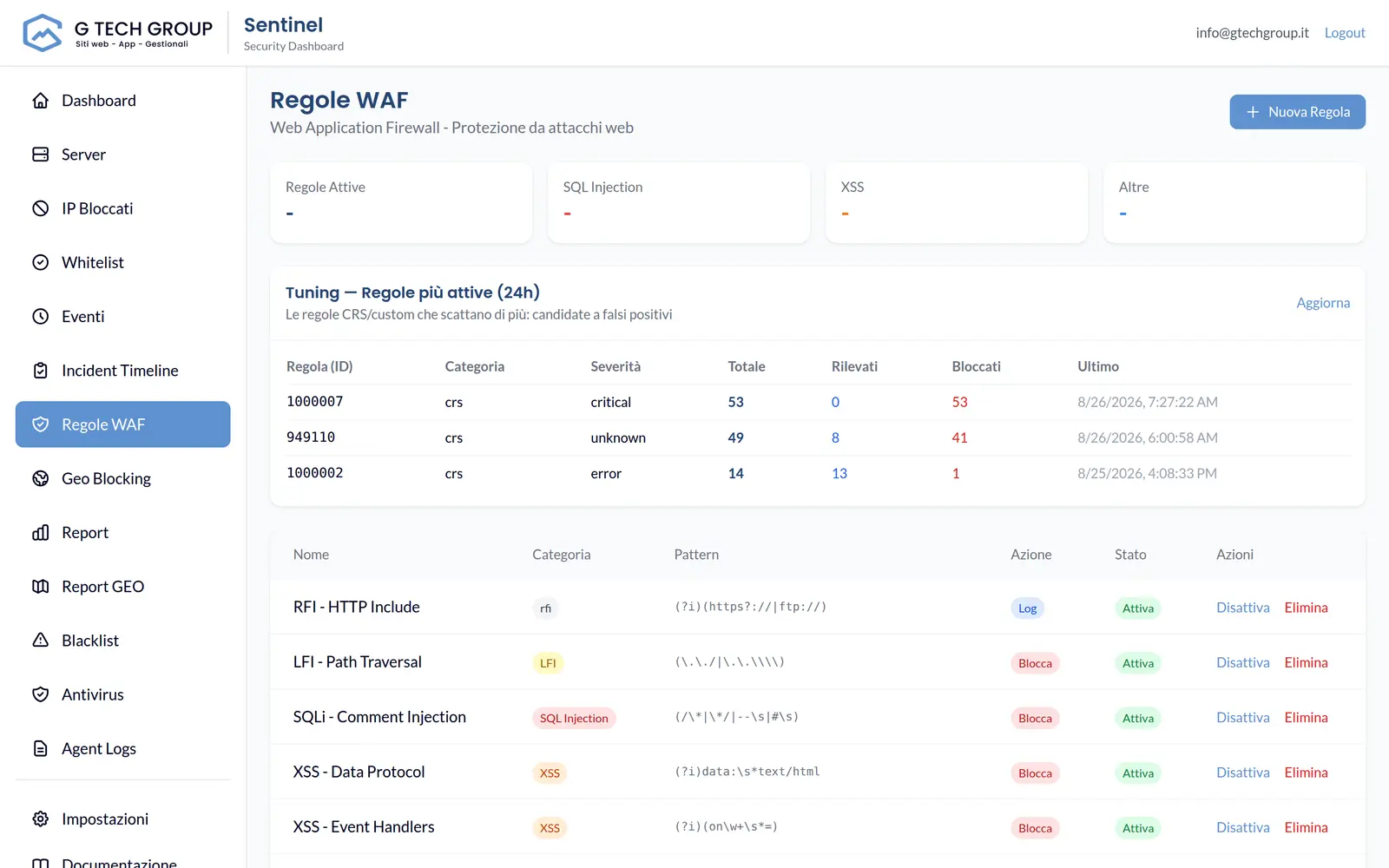
OWASP CRS rules, limits, geolocation, reputation and available fingerprints contribute to the decision.
The request is forwarded, observed, limited or blocked according to the policy applied to that domain.
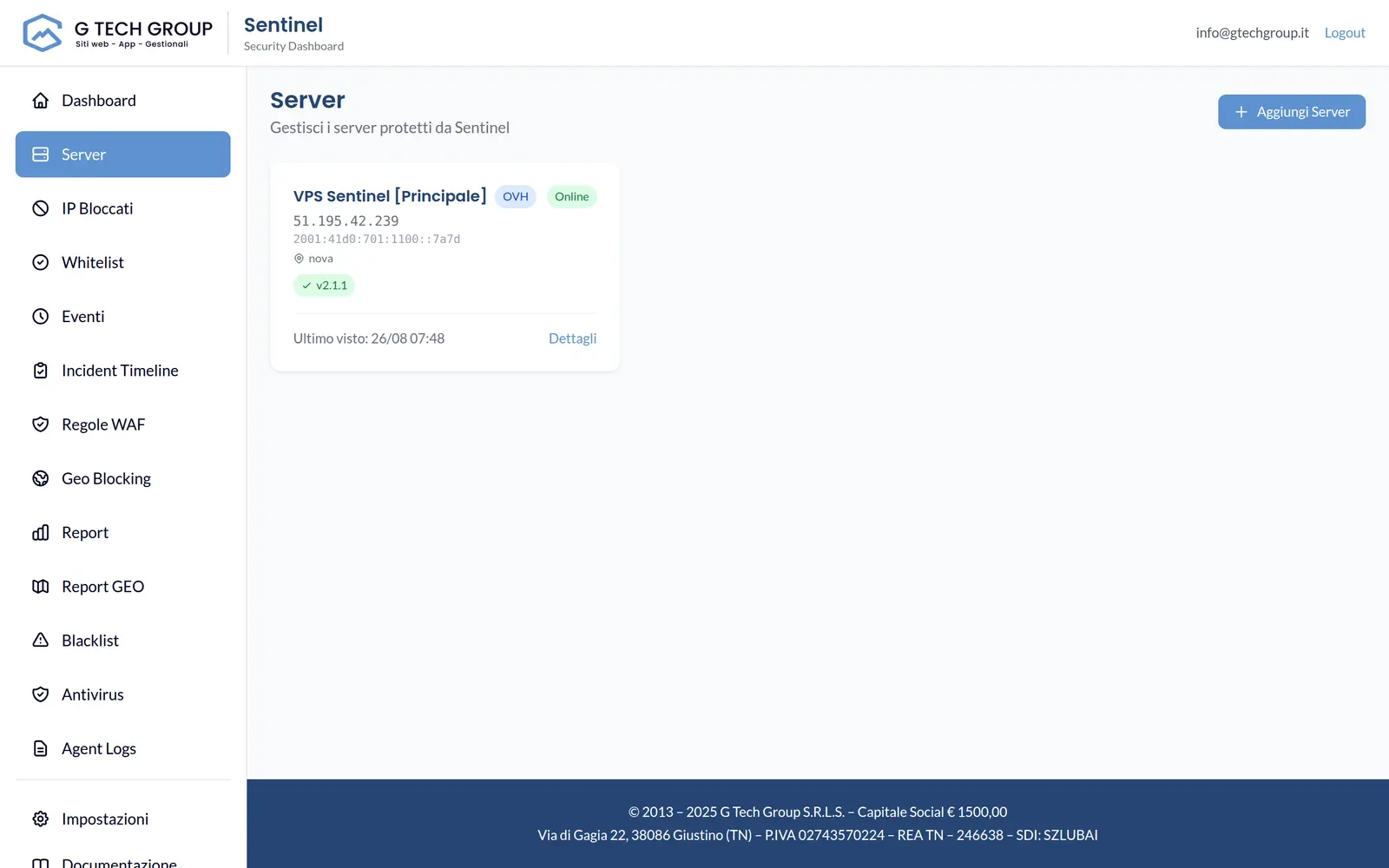
1 · Installation
The Sentinel agent is installed on the machine to be protected and associated with the record created in the console. It collects identity and status of the machine, then opens the channel to the Sentinel core.
2 · Web protection
When the web module is configured in the domain's traffic path, Sentinel analyses method, URL, header and body of the request. User traffic does not pass through an external cloud service of G Tech Group.
3 · Host Protection
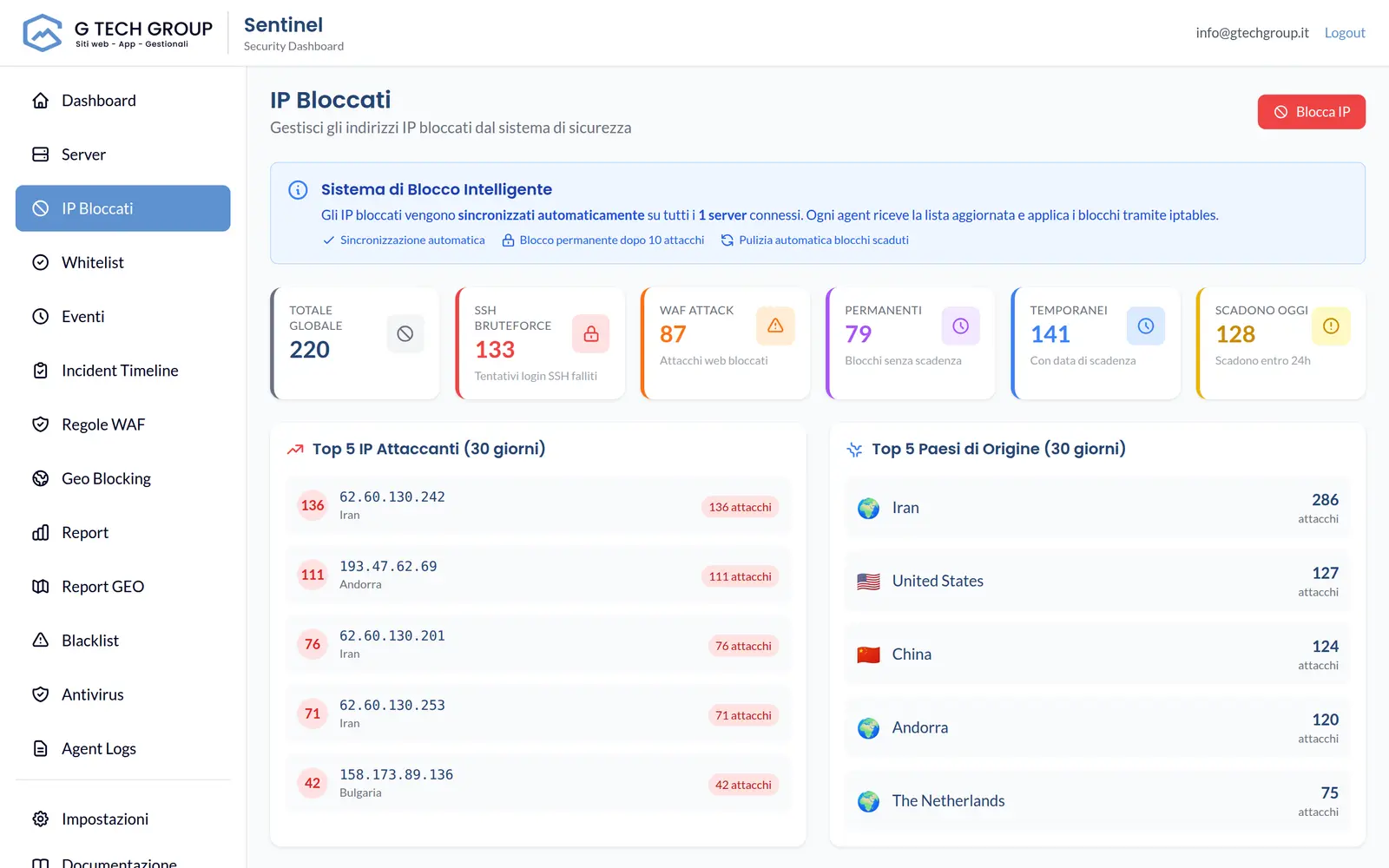
Watchers observe configured sources, such as SSH authentication and web server logs. When a sequence exceeds the threshold, the agent records the event and applies the block with the backend available on the machine.
4 · Synchronization
Heartbeat, events and inventory reach the console; policies, allowlists and blocks return to agents. If the central link is temporarily interrupted, the rules already applied locally do not disappear.
From event to response
Type of attack, origin, server involved, date and reason remain available on the timeline.
The panel distinguishes detection and blocking, showing duration and origin of the policy when available.
Configured notifications alert the team without forcing them to observe the dashboard continuously.
Status, logs and reports can be viewed across the fleet or filtered to the affected machine.
Clear borders
A security platform reduces risk; it does not replace patches, backups, configuration and professional incident response.
The local rules already distributed remain operational even during a temporary loss of connection with the console.
Events and logs help to understand what has been detected and what action has been applied.
The transition from observation to block must consider real traffic, application and false positives.
System updates, backups, hardening and application vulnerability management remain necessary.
Let's start with your servers, domains, and real traffic to define a verifiable activation.