A source repeatedly targets logins, URLs or exposed services.
The agent reads logs on the server and counts events in the configured time window.
Sentinel monitors SSH access attempts and security logs, recognises repeated attempts and blocks the IP on the local firewall. The event is immediately sent to the central panel and the block can be shared with the fleet.
The agent reads logs on the server and counts events in the configured time window.
The block is applied through the system's firewall without waiting for an response from an external cloud service.
See which server has detected abuse and manage its duration, removal and allowlist exceptions.
Remote Access
On Linux the agent follows the authentication log, distinguishes incorrect passwords and non-existent users and groups attempts by IP address.
It reads the new lines produced by SSH in real time, without sending the entire log file out of the server.
It groups attempts by IP address in a time window and ignores local or invalid addresses.
At the configured threshold, it applies a temporary block on the firewall and records the event centrally.
Web server & applications
In addition to SSH, Sentinel can monitor the error logs of Nginx and Apache. For specific applications you can define custom watchers with file path and recognition patterns.
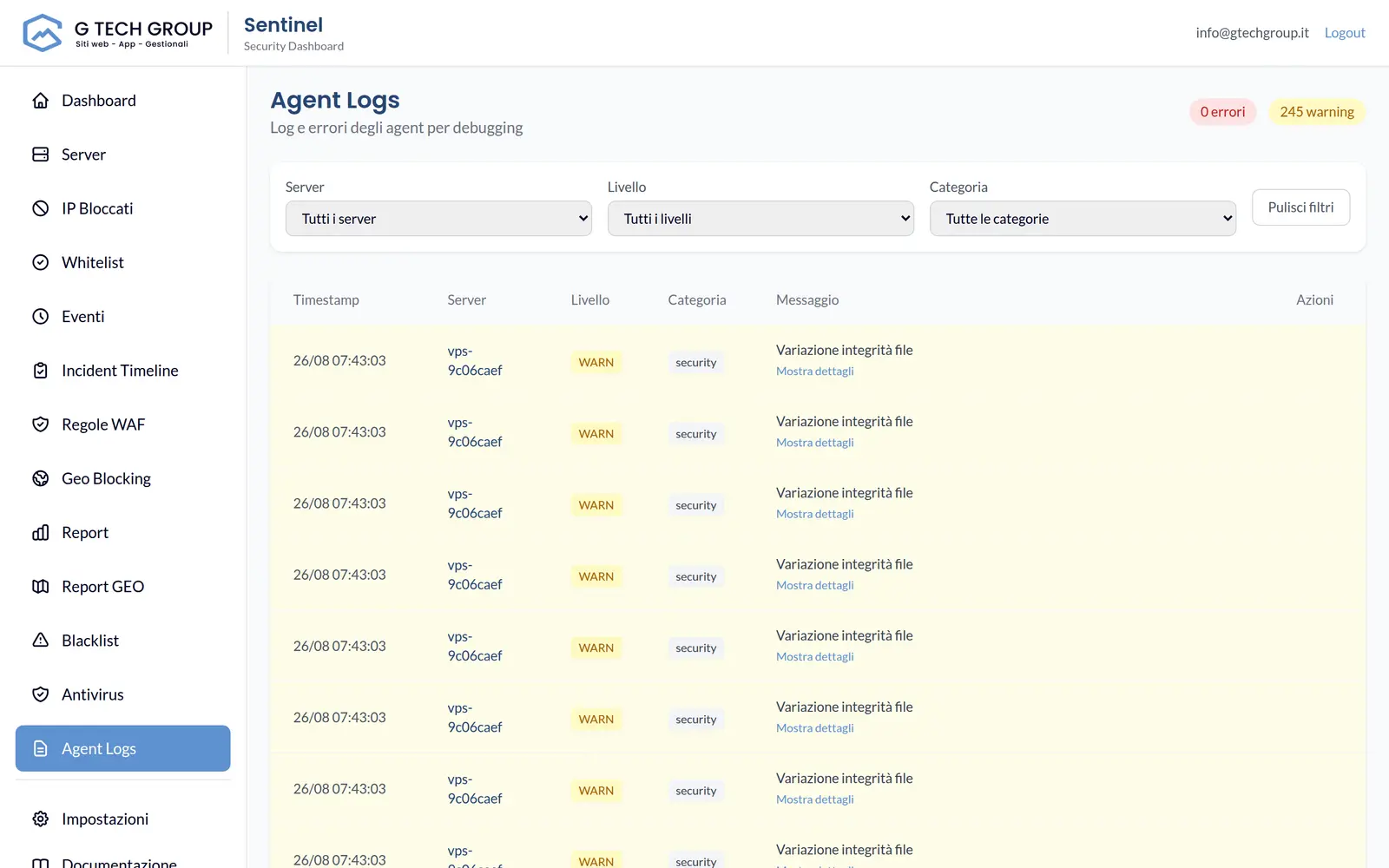
Local and global block
On Linux Sentinel uses iptables or ipset. The block is applied to the server that detected the abuse and centrally recorded; the central server can then propagate it to the other connected agents.
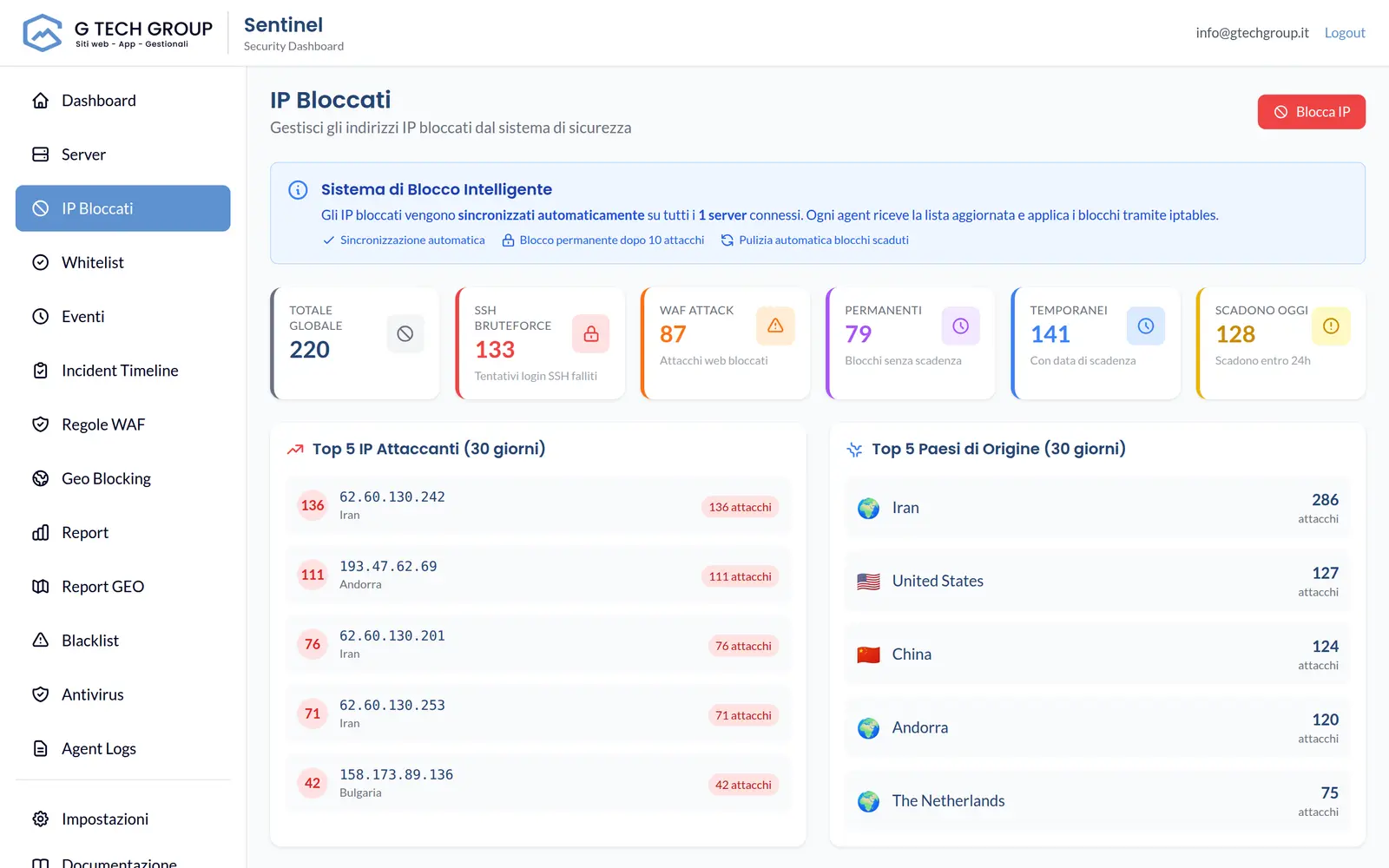
Operational control
Enter an IP, choose the duration or make the block permanent and distribute the decision to the fleet.
Remove an IP from the panel or let Sentinel remove the expired blocks automatically.
You distinguish brute-force SSH, WAF attacks, rate-limit and manual actions, with geographic data when available.
The Windows agent can observe authentication events and apply blocks with Windows Firewall. WAF functions and web watchers remain Linux deployment oriented.
Let's start with the logs and services that are actually exposed in your infrastructure.